Admin Portal
Restored a broken internal dashboard and rebuilt it into a fully data-connected product with live Supabase data and a user interface consistent with the mobile app.
The Starting Point
A static prototype I couldn't even log into
When the admin portal was handed off to me, it had two problems. The first was immediately blocking: no one could log in. The authentication was broken at the environment level, and the portal was completely inaccessible. The second problem was structural: the portal that existed was a prototype that was clean-looking but entirely hardcoded. Every stat on the dashboard was a placeholder number. No real data. No real users. Nothing connected to the actual product.
That was the state of the admin portal on Nov 28. By Dec 18, it was a live, data-connected internal tool with sortable tables, real booking statistics, live Supabase data across every page, and a visual identity that matched the mobile app.
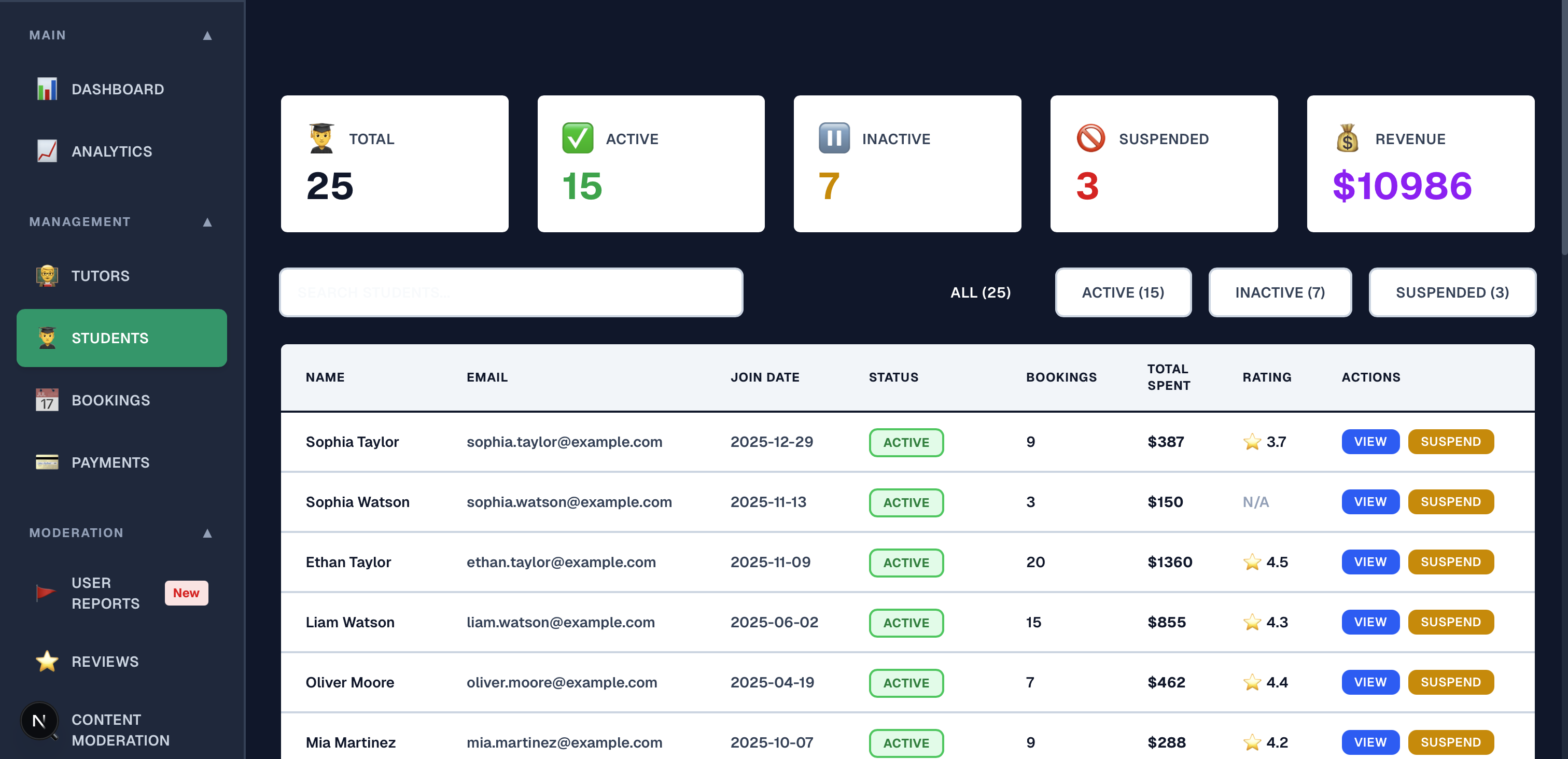
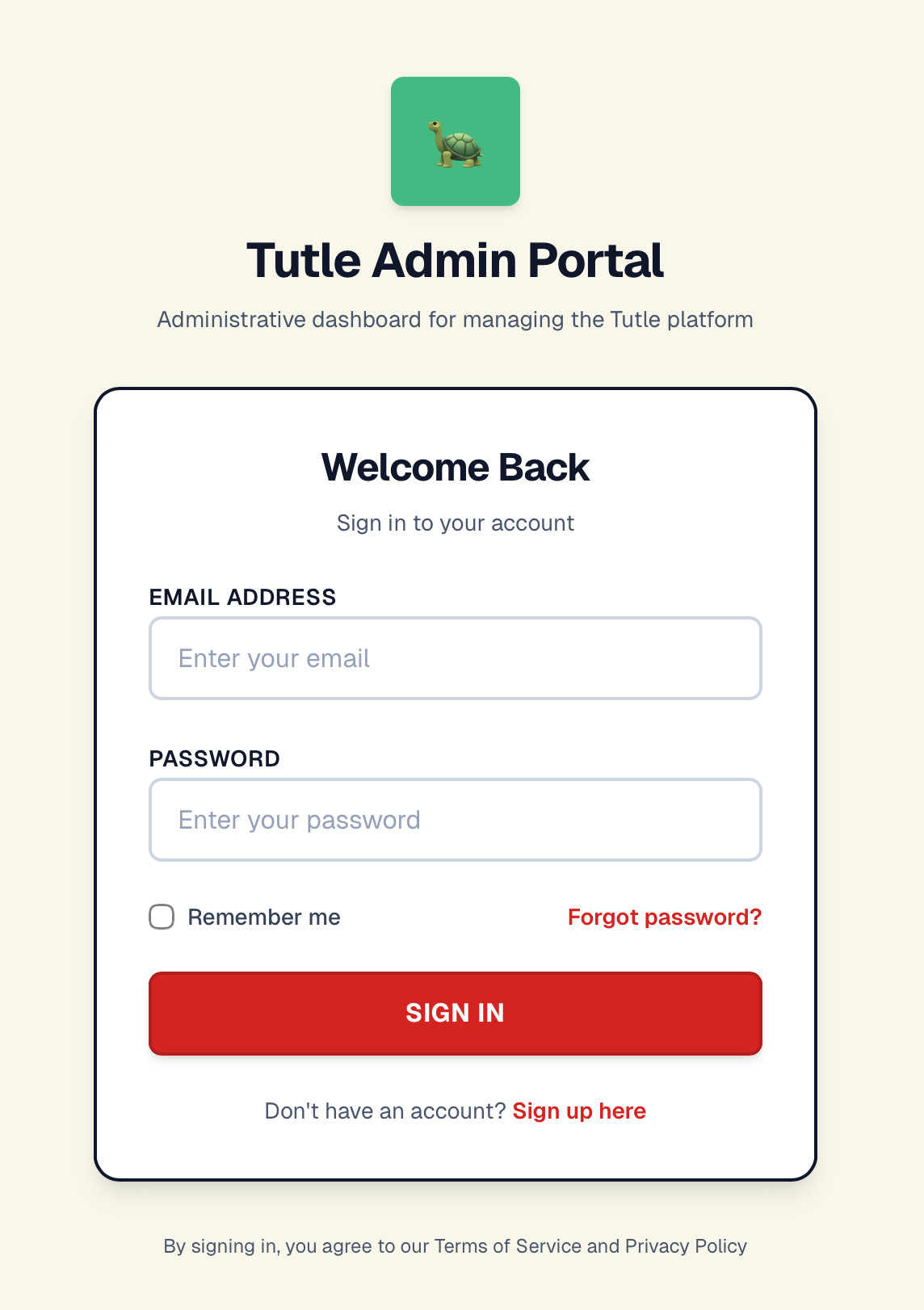
Before
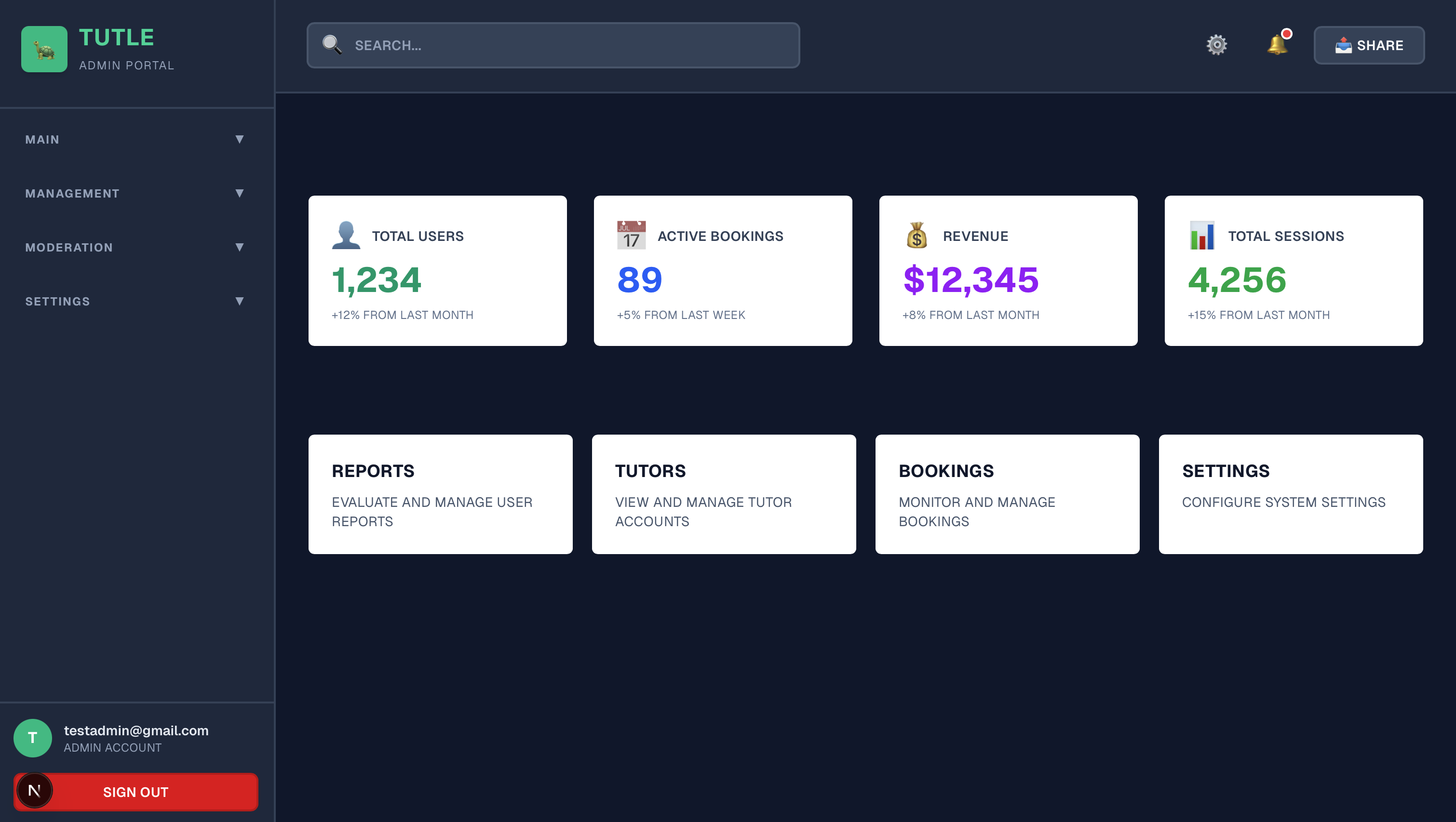
Hardcoded numbers, broken authentication, no live data. A prototype shell that looked functional but wasn't.
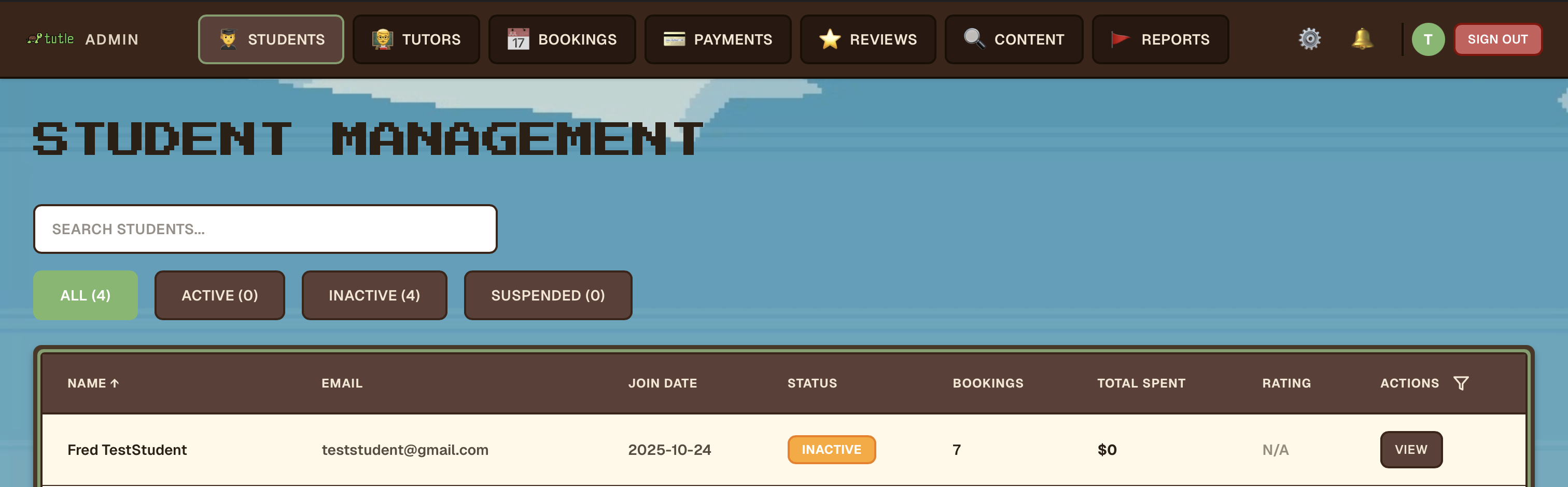
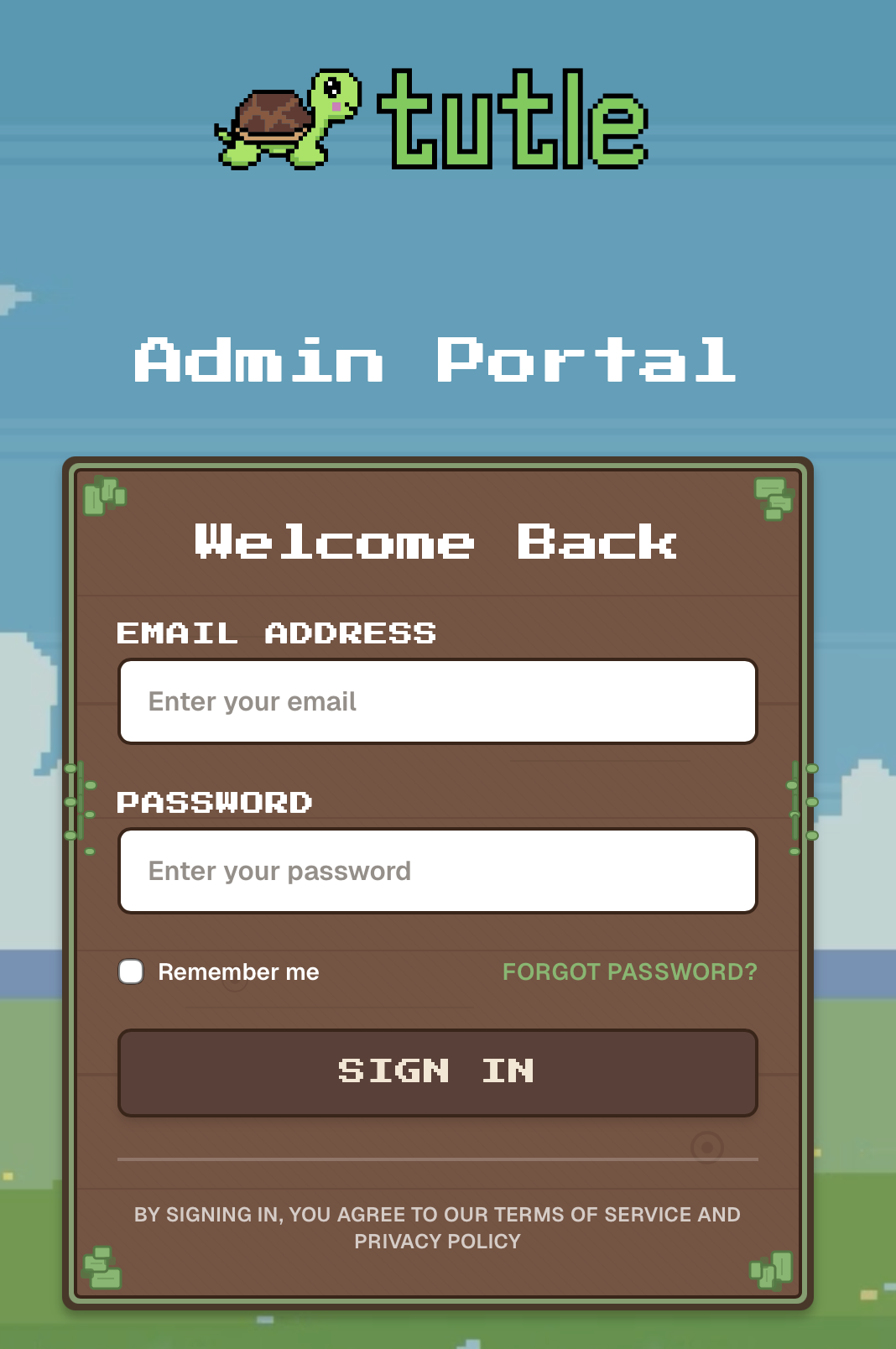
After
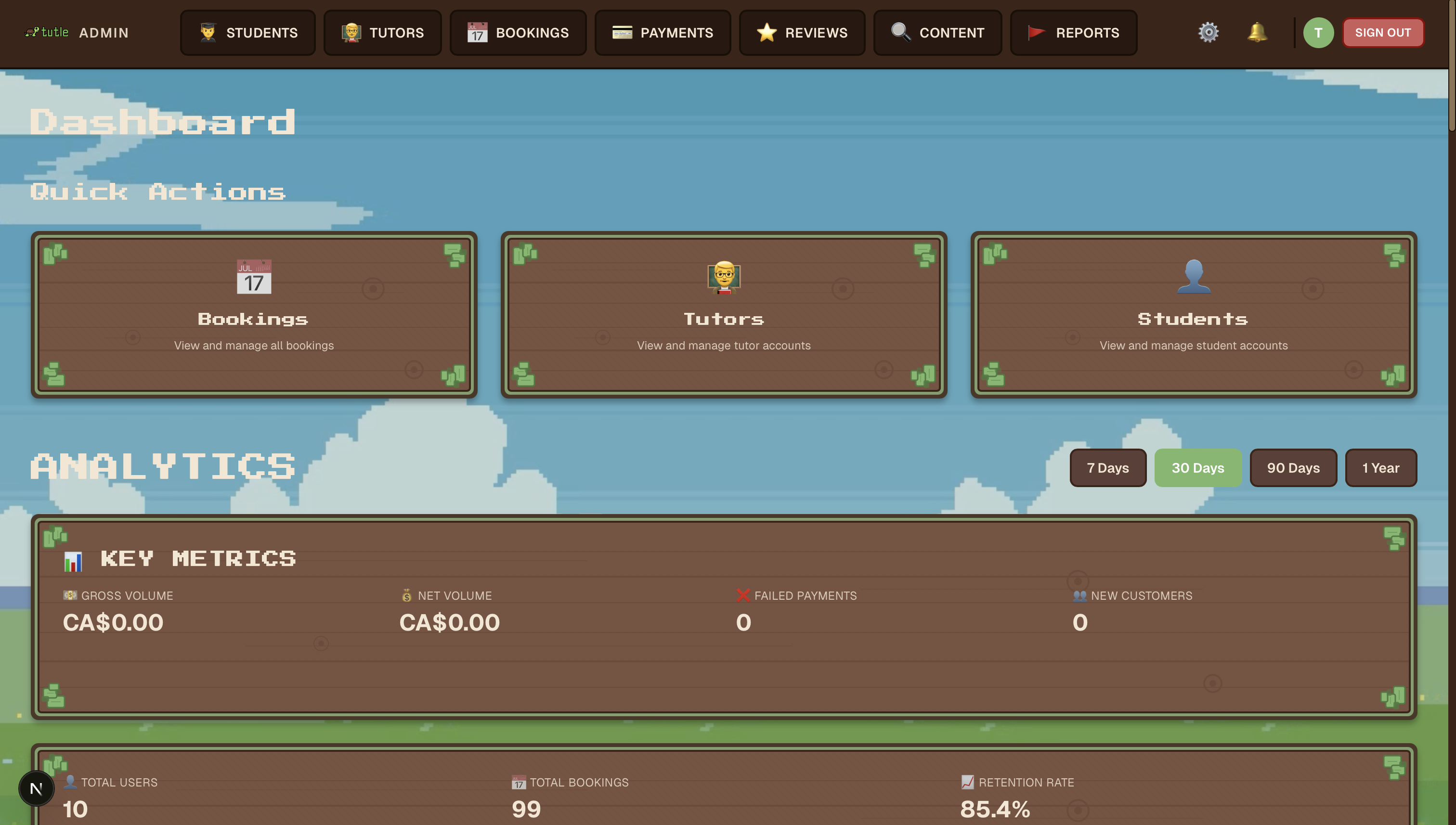
Live Supabase data, real-time growth stats, Stripe revenue figures, sortable tables, brand-aligned UI, and working auth.
Tech Stack
What the portal is built with
Framework
- Next.js
- React
- TypeScript
Backend & Data
- Supabase
- PostgreSQL
- API Routes
- Stripe (revenue data)
Design
- Figma (reference)
- Supabase MCP
- Mobile app design system
Tooling
- Confluence
- Git / GitHub
- ESLint / TypeScript
How It Unfolded
Three weeks of work, phase by phase
Starting with the environment itself, then the data layer, then the UI, then polish and final integrations.
Nov 28–29
Recovery & First Data Pass
Fixed the broken authentication by creating a new admin user directly in Supabase, restoring access before anything else could happen. Then replaced all hardcoded placeholder data: built API routes for dashboard stats, student stats, and tutor stats, and wired the Dashboard, Students, and Tutors pages to real database-backed numbers. Added authUserID verification to every API route. Added real-time growth percentage calculations where the prototype had shown static figures.
Dec 1–2
UI Overhaul & Auth Hardening
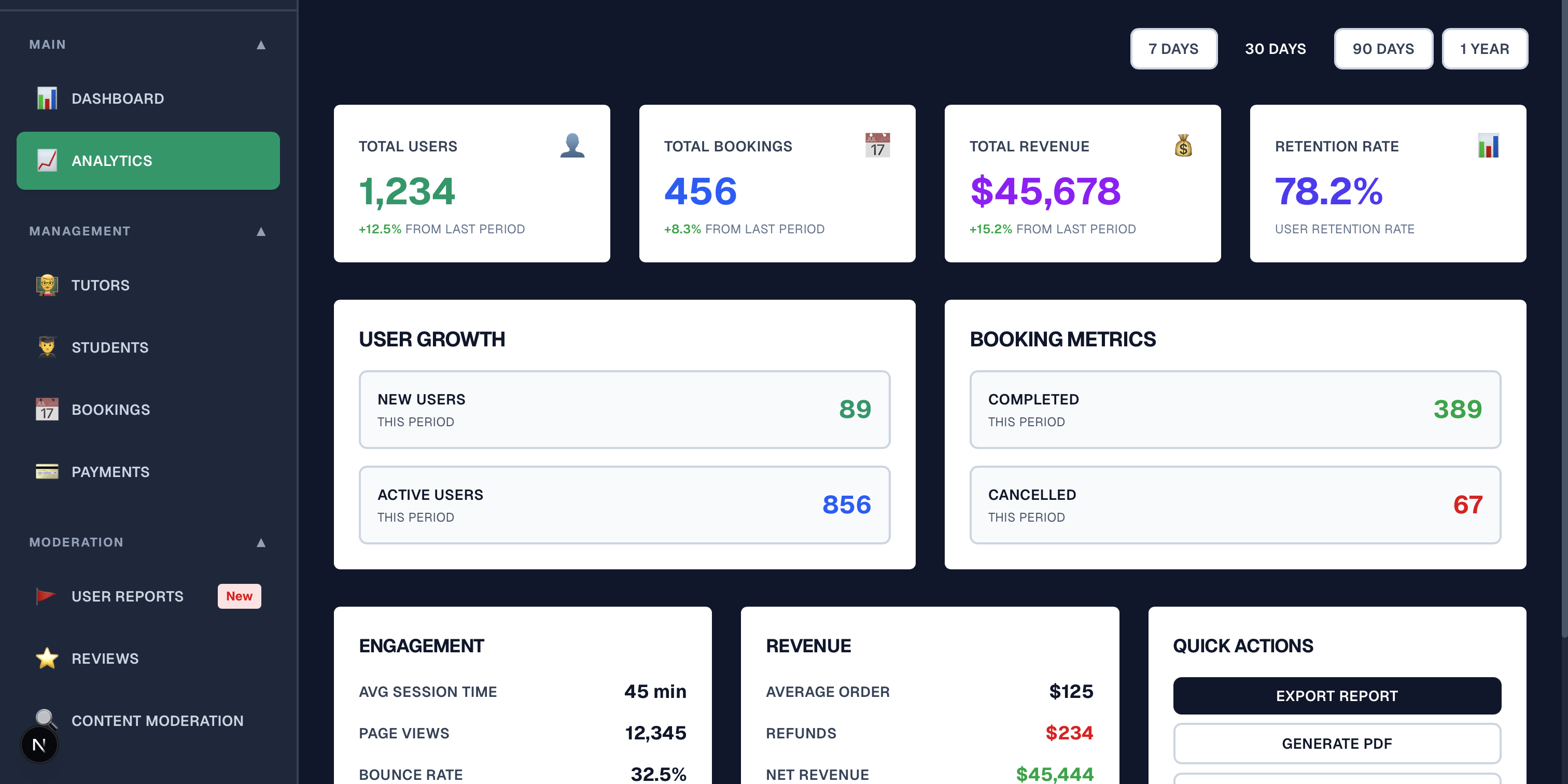
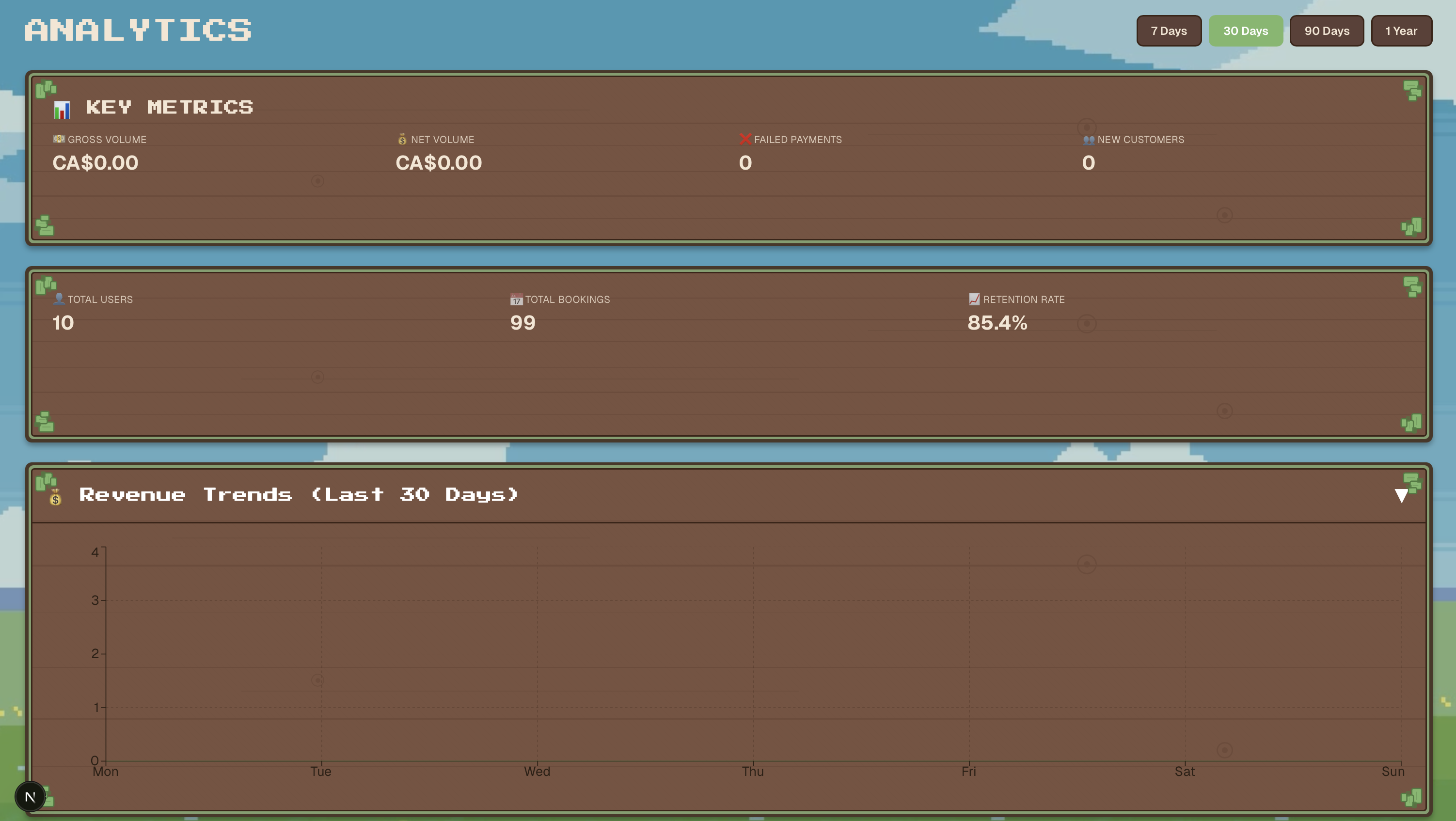
A full visual overhaul of the portal which was the beginning of aligning it with the mobile app's design language. Fixed remaining authentication issues. Wired up real booking statistics and Stripe revenue calculations to the dashboard. Consolidated Booking Management and Payment Analytics into unified Dashboard and Analytics pages, reducing navigation complexity. Type safety fixes and updated Stripe API version throughout.
Dec 4
Branding and Bug Fixes
The most intensive day of work on the portal. Pushed the branding through multiple passes to align fully with the mobile app: wooden panel colour scheme, leaf-green variants, brown section backgrounds. Added sortable lists and filtering across all data tables. Added "Coming Soon" modals to placeholder pages rather than leaving them broken. Redesigned the header layout with new navigation icons. Added a Notification Settings page. Fixed the payment display bug converting cents to dollar amounts. Fixed a separate bug in the payment details modal. Consolidated more pages into the Dashboard.
Dec 5–6
Performance & Package Updates
Updated caching strategies and optimised API calls for faster data fetching across the portal. Updated all packages to their latest versions.
Dec 11
Cleanup
Removed non-functional suspend/reactivate buttons from the Student and Tutor pages, and removed Action Modals that weren't ready for use.
Dec 18
Final Data Integrations
Created the Reviews page with live data pulled from Supabase. Updated the Reports page with live data from Supabase.
What Got Built
What I built
Authentication Recovery
Fixed the broken login by creating a new admin user directly in Supabase, diagnosing where the environment had gone wrong and restoring access before any other work could begin. Then hardened every API route with authUserID verification so the portal couldn't be accessed without a valid session.
Full Data Integration
Built API routes for dashboard stats, student stats, tutor stats, and booking data. Replaced every hardcoded number across every page with live Supabase queries; including real-time growth percentage calculations and Stripe revenue figures on the dashboard. Finished with the Reviews and Reports pages going live on Dec 18.
Brand-Aligned UI
Rebuilt the portal's visual identity to match the mobile app: wooden panel colour scheme, leaf-green variants, brown section backgrounds, consistent component styling. Used Supabase MCP and the Figma designs as reference. The admin portal now looks like it belongs to the same product as the app, rather than a separate tool.
Information Architecture
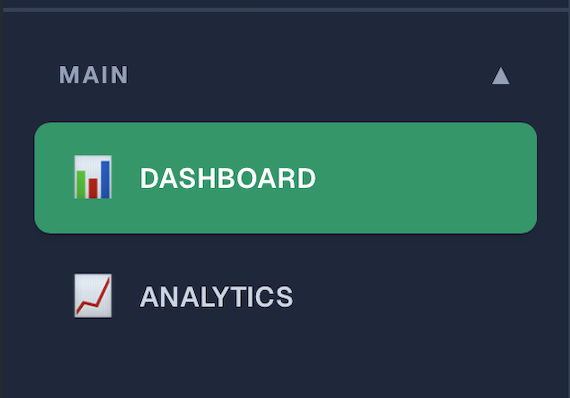
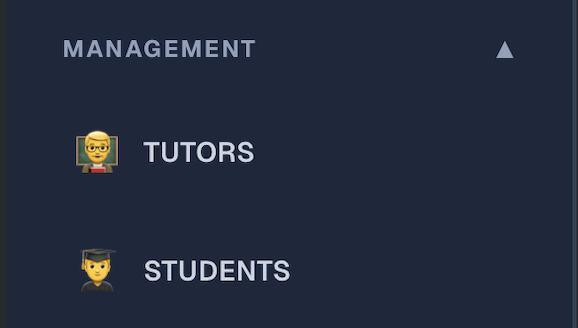
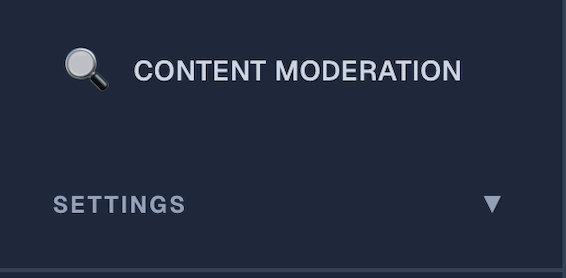
Consolidated Booking Management and Payment Analytics into unified Dashboard and Analytics pages. Restructured navigation with a redesigned header and new nav icons.
Sortable Tables & Filtering
Added sortable lists and column filtering across all data tables: giving admins the ability to find and manage users, bookings, and reviews without scrolling through unsorted lists.
Confluence Documentation
Independently authored the admin portal section of the Confluence developer guide: covering setup, architecture decisions, page structure, and data sources. Part of Tutle's 300+ page documentation effort.
Home / Dashboard
Analytics
Student Management
Sign In
Navigation Bar



Reflection
What the before/after actually shows
Being dropped into a codebase with a language I didn't fully know, in the tail-end of our project, I came in and delivered a production-ready admin portal from a prototype shell in a little over a week. That was one of the most intense development experiences I've had so far, and it taught me that you can move quickly without skipping the fundamentals like security and type safety.
The first version was a clean-looking static mockup with hardcoded numbers that you couldn't log into. The second was a real, data-connected product with working auth, live Supabase data, analytics figures, sortable tables, and a visual identity that matches the mobile app. The work happened under real deadline pressure, in a codebase I didn't originally own, and in a framework I was still learning.
Outcomes & Learnings
What came out of it
From Prototype to Product
The portal went from a static shell with no real data to a fully data-connected internal tool in ~3 weeks. Every page replaced its hardcoded content with live Supabase queries by the time the project was due.
React Under Pressure
Built significant React and Next.js experience by working in a production codebase under a real deadline. The context-switching between data architecture, API design, UI work, and bug fixes in a single sprint forced a much faster understanding than a guided course would.
Design Consistency Across Products
Unifying the portal's visual identity with the mobile app required understanding both codebases well enough to translate design decisions across them, resulting in a product suite that feels familiar and intuitive.
Full-Stack in Practice
This was the first time I'd had practice with backend development and I had to essentially figure it out on my own. I learnt a lot about API routes, writing queries that actually had to work reliably in production rather than just for a class assignment, and presenting that data to users: both the essentials and the details. I had to do this in roughly a week, with some time later to tidy things up.