tutle.ca
The public-facing marketing site for Tutle — designed and built in HTML, CSS, and JavaScript.
Overview
What it is
tutle.ca is the public-facing marketing site for the Tutle app, the page that communicates what Tutle does, who it's for, and why it exists, before a user ever downloads anything.
I've seen how inaccessible sites break for all kinds of users, not just screen reader users. Starting a new project meant I could build it in from the start rather than retrofit it later. After the initial design was in place, I worked through the accessibility implementation based on what I was learning concurrently in my web development course.
Role
Sole developer — design, all front-end implementation, accessibility, and Confluence documentation
Sections
6 sections: Hero, Real Tutors Real Places, Study Smarter, Trust & Safety, Review & Replay, CTA
Status
tutle.ca (temporarily offline). App Store and download links hidden pending app launch.
Tech Stack
Built with
Core
- HTML5 (semantic)
- CSS3
- JavaScript (ES6+)
Typography
- Pixelify Sans
- Convergence
Integrations
- QR Server API
- YouTube Embed
- Device detection
Approach
- Pixel art aesthetic
- Mobile-first
- Progressive enhancement
Page Structure
What I built
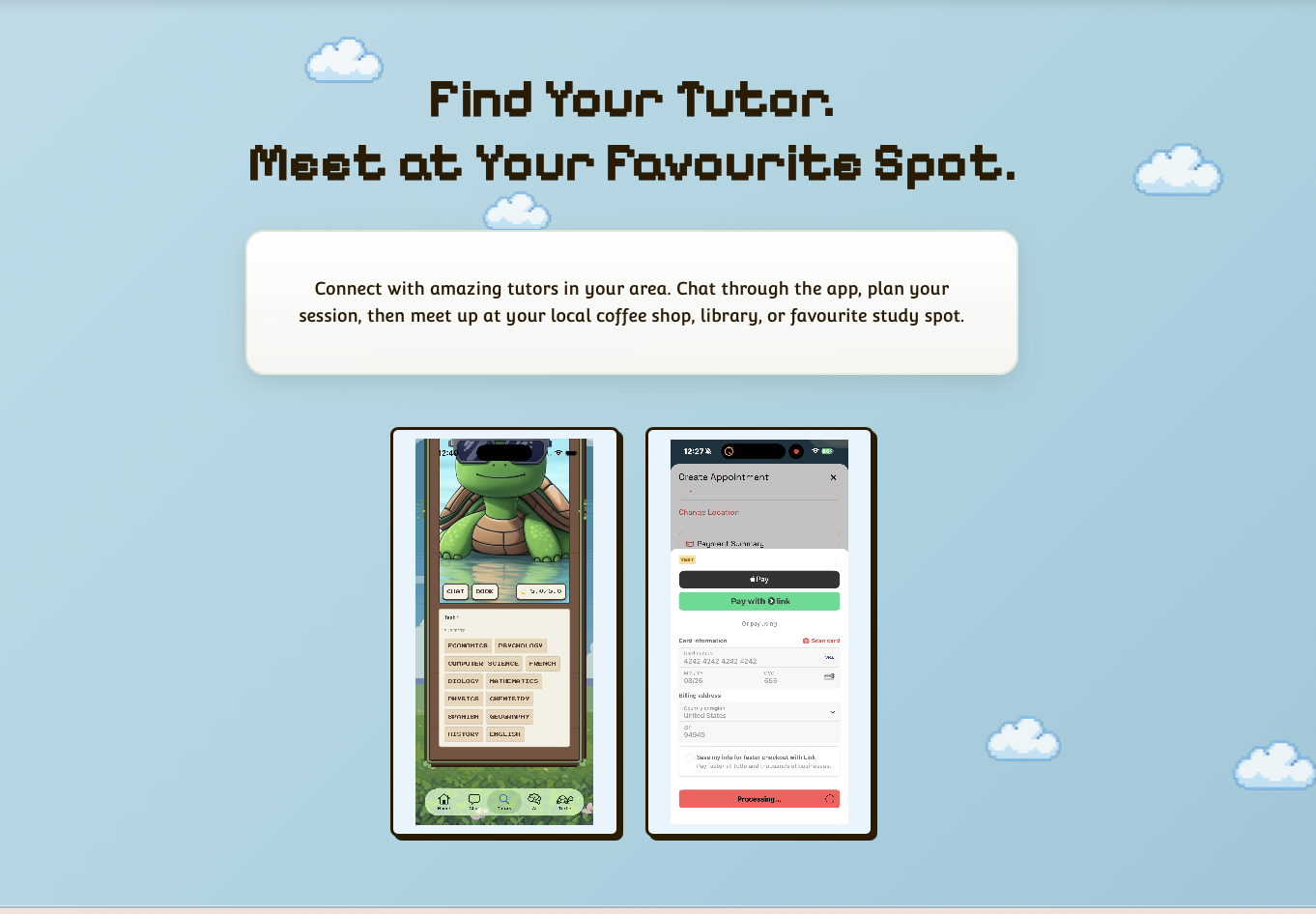
Hero — Find Your Tutor
Pixel art animated sky with clouds and a sun. Two autoplay demo videos side by side: tutor browsing and booking flow. The CTA buttons are intentionally hidden pending app store launch.
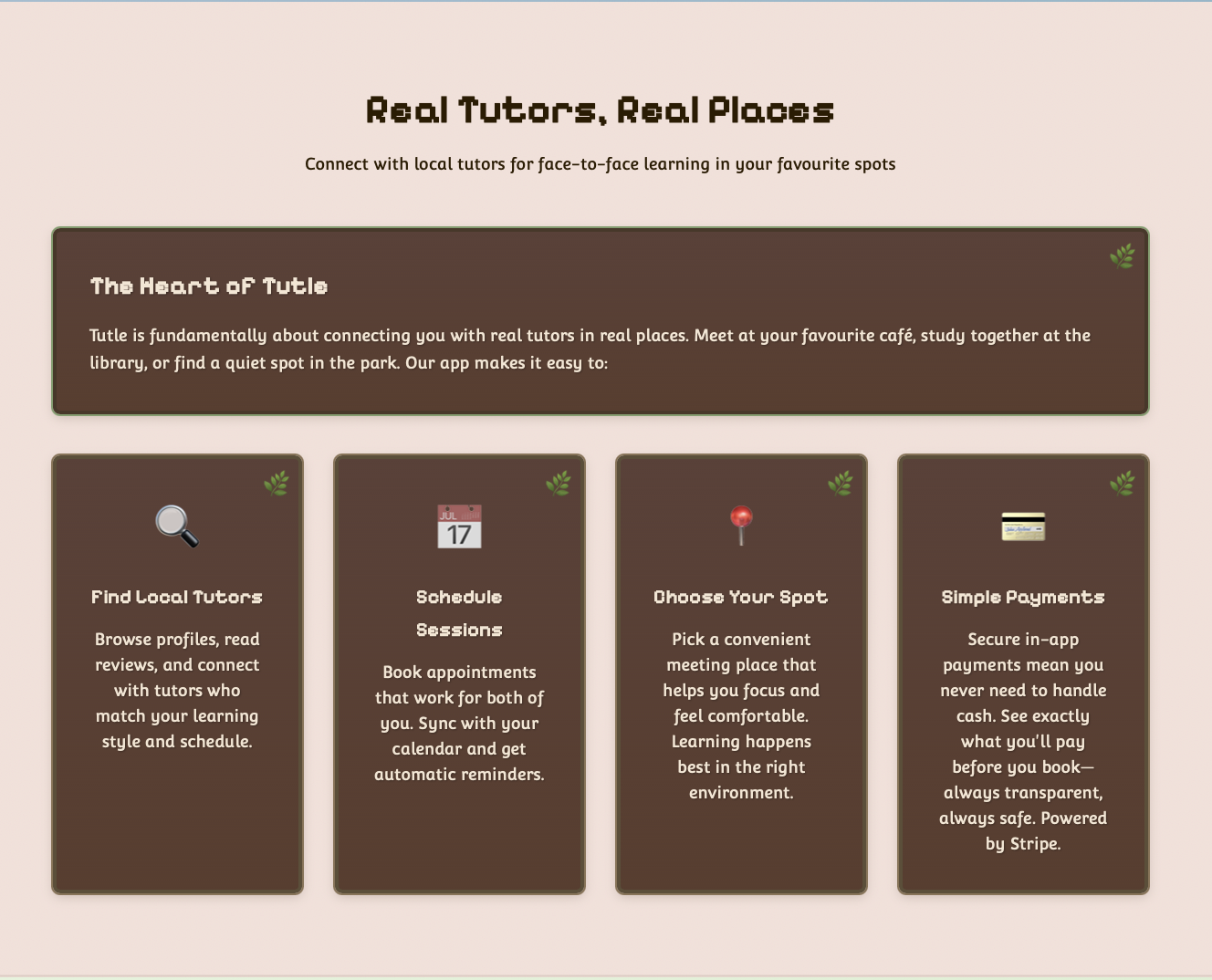
Real Tutors, Real Places
Four feature cards covering the core value proposition: find local tutors, schedule sessions, choose your spot, simple payments via Stripe. Each card uses emoji icons with proper ARIA labels.
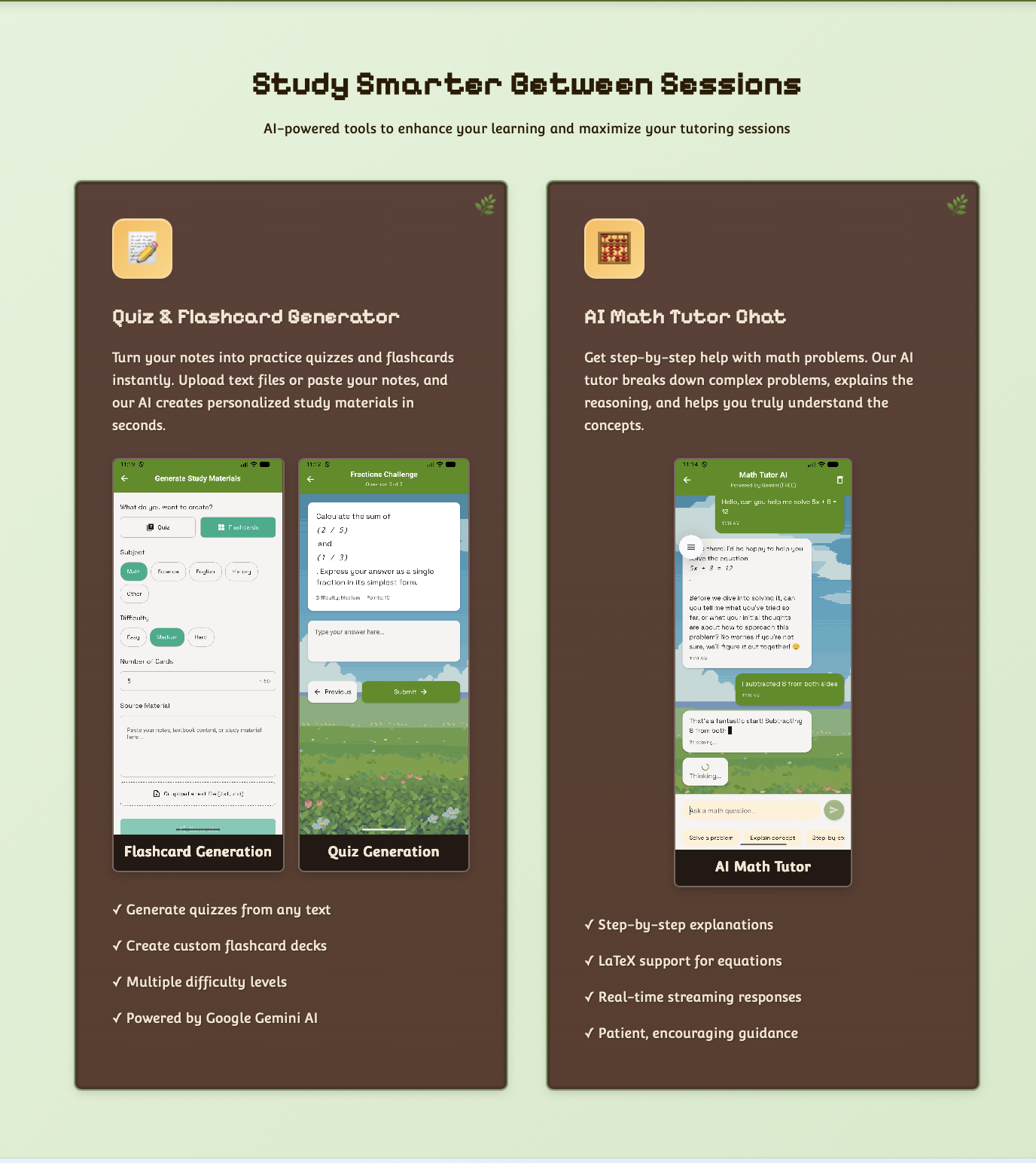
Study Smarter Between Sessions
AI-powered study tools: quiz and flashcard generator (Google Gemini) and an AI math tutor chat. Each tool card includes embedded demo videos with fallback text and visible labels.
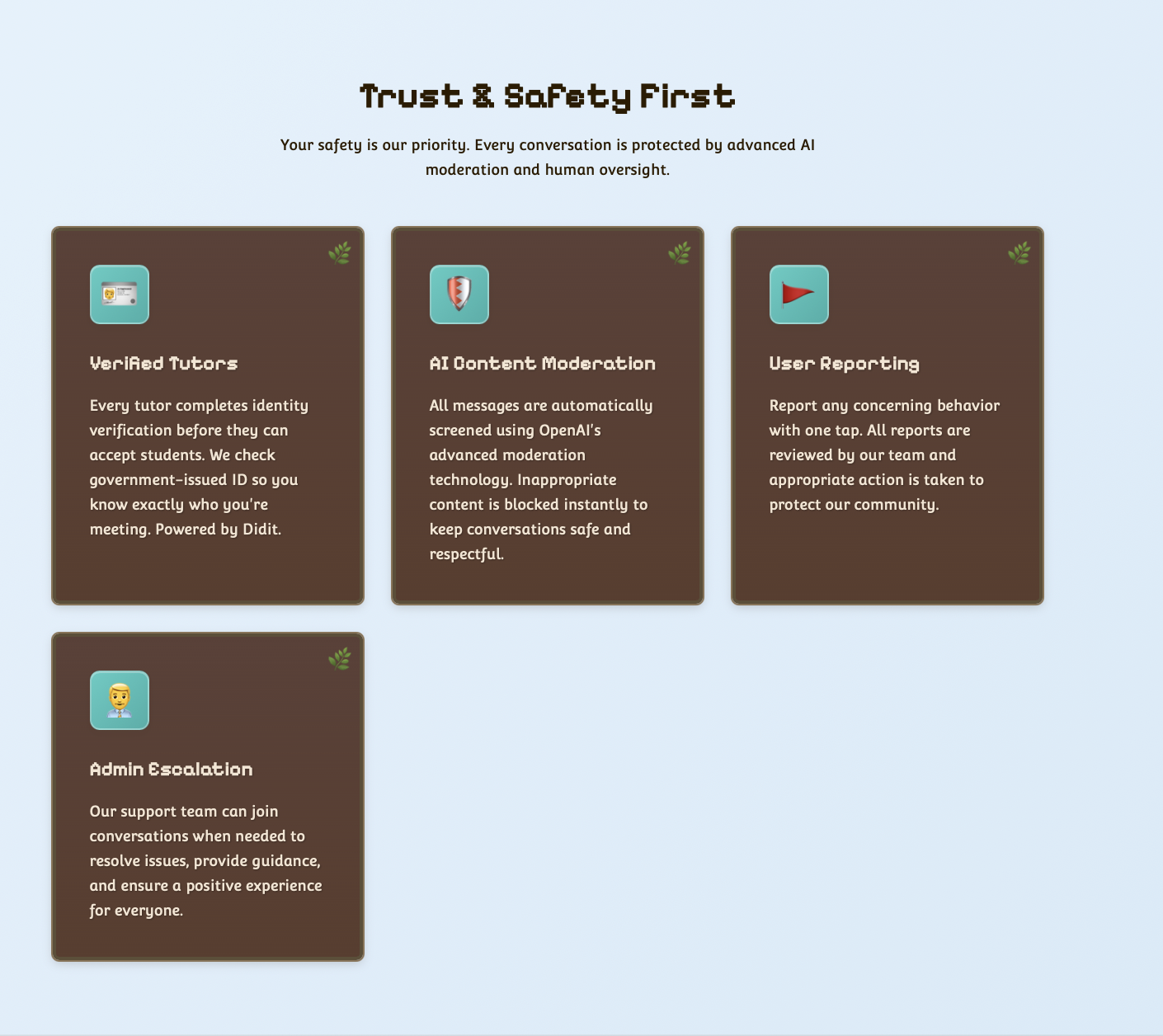
Trust & Safety First
Four safety pillars: verified tutors via Didit, AI content moderation via OpenAI, user reporting, and admin escalation.
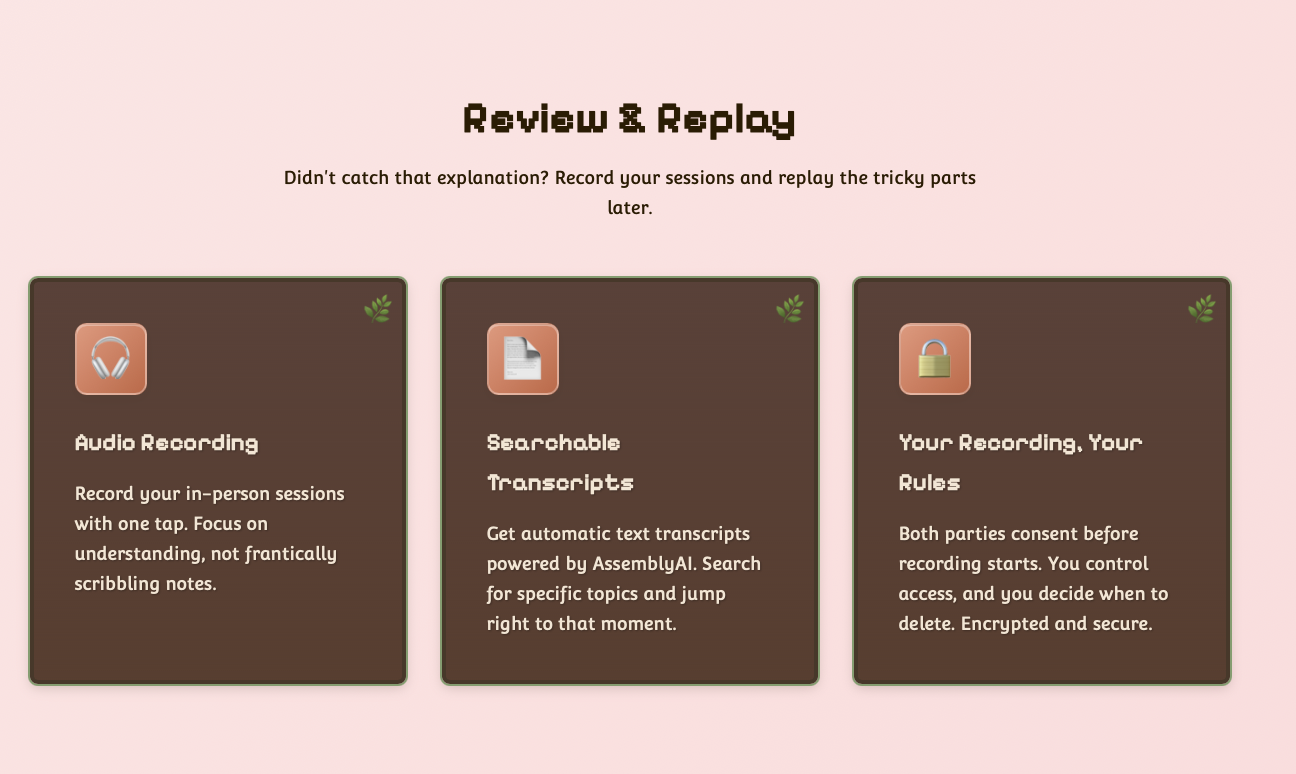
Review & Replay
Session recording features: audio recording, searchable transcripts via AssemblyAI, and user-controlled access.
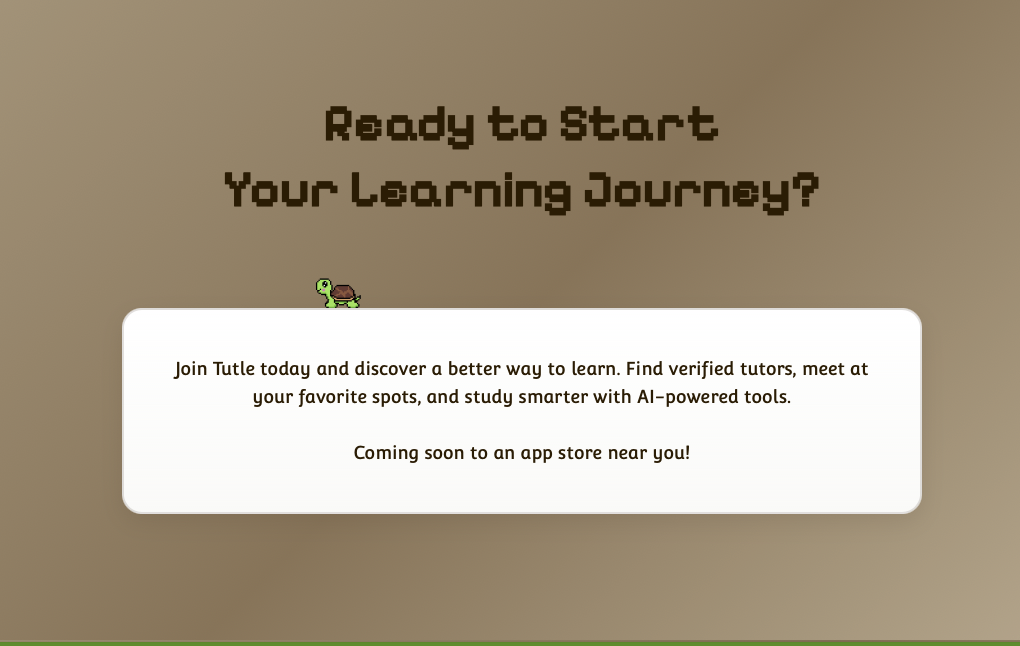
CTA — Coming Soon
Walking pixel turtle animation, "Coming soon to an app store near you" messaging, and hidden App Store / Google Play badges with a QR code.
Accessibility
Built accessible from the start
The landing page is the first thing a potential user sees before they ever open the app. If navigating it creates friction, that's already the wrong first impression. A tutoring platform should feel welcoming to everyone, and that starts with the website.
Accessible section pattern — used throughout the page
<!-- Every section connects to its heading via aria-labelledby -->
<section id="smart-study-tools"
         aria-labelledby="study-tools-heading"
         tabindex="0">

  <h2 id="study-tools-heading">Study Smarter Between Sessions</h2>

  <!-- Emoji icons labelled for screen readers -->
  <div role="img" aria-label="quiz">📝</div>

  <!-- Video with fallback text -->
  <video autoplay muted loop playsinline>
    <source src="assets/Quiz.mp4" type="video/mp4">
    Your browser does not support the video tag.
  </video>

</section>
Technical Details
The JavaScript layer
The page uses vanilla JavaScript for three distinct features, each one progressively enhancing the base HTML experience rather than depending on it.
Device Detection & App Routing
Detects whether the user is on iOS, Android, or desktop and routes the download CTA to the App Store, Play Store, or a desktop prompt accordingly. Currently disabled pending app store launch, but the logic is in place and ready.
QR Code Generation
Generates a QR code on page load using the QR Server API. Encodes the landing page URL dynamically so it stays accurate regardless of deployment URL.
Accessible Video Modal
A demo video modal with full keyboard accessibility: focus is trapped inside when open, Escape closes it, focus returns to the triggering element on close, and the iframe src is reset to stop playback. Currently disabled alongside the CTA buttons.
Mobile Navigation
A mobile hamburger menu with proper ARIA: aria-expanded toggling state, keyboard-accessible toggle button, and responsive breakpoints handling the show/hide.
Outcomes & Learnings
What came out of it
Shipped to tutle.ca
The site was live and public, currently down while the app is being updated. It covers the full product story: features, safety, AI tooling, and a CTA that's ready to go the moment the app hits both stores.
Accessibility Without a Framework
Built accessibility into the page from scratch in plain HTML, CSS, and JavaScript: ARIA states, keyboard navigation, and focus management throughout.
Documented Independently
Authored the landing page section of the Confluence developer guide independently: covering setup, structure, section breakdown, and how to enable the hidden CTAs when the app launches.